How to Turn off Maintenance Required Light Toyota Camry: Quick Guide
If you’ve noticed the “Maintenance Required” light glowing on your Toyota Camry’s dashboard, you’re probably wondering how to turn it off. This little light can be annoying, especially when you know your car is running just fine.
The good news is, resetting it is easier than you might think. You’ll learn simple steps to switch off that warning light and get back to driving with peace of mind. Keep reading, and you’ll have your Camry’s dashboard looking clean and clear in no time.
Credit: www.youtube.com
Locate The Maintenance Required Light
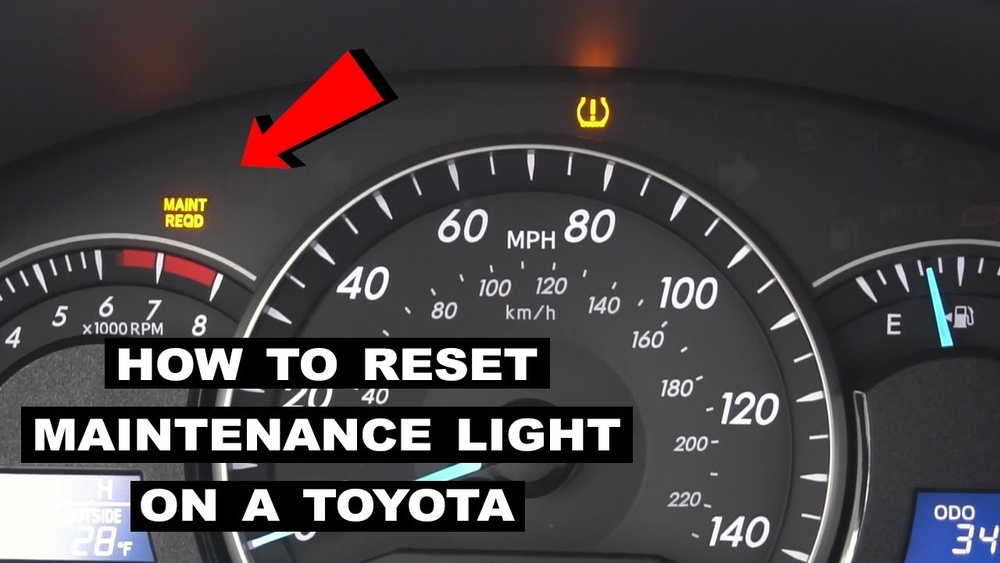
The Maintenance Required light appears on your Toyota Camry’s dashboard. It signals that routine service is due. Finding this light helps you know when to reset it after maintenance.
What Is The Maintenance Required Light?
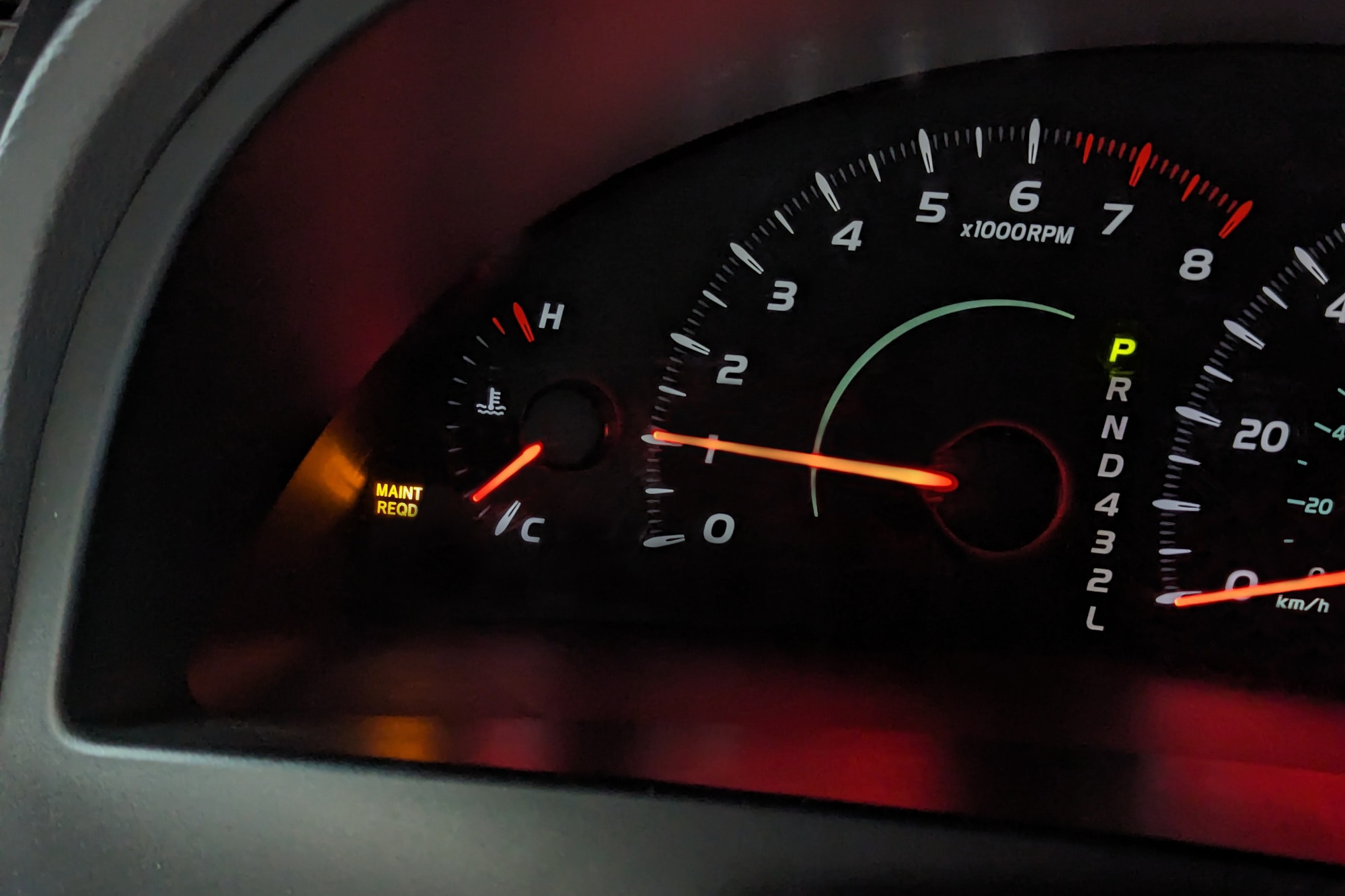
The Maintenance Required light is a small warning on your dashboard. It reminds you to service your Toyota Camry. This light helps you keep your car running smoothly. It usually turns on after every 5,000 miles of driving.
Where To Find The Maintenance Required Light
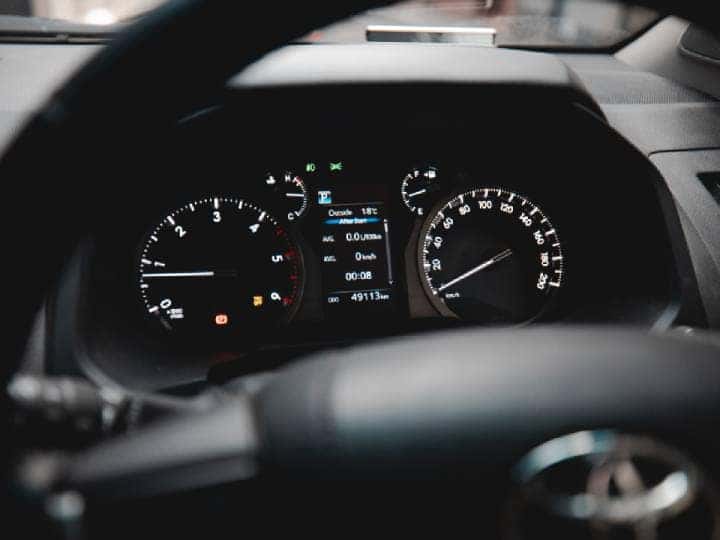
Look at the dashboard behind the steering wheel. The light is part of the instrument cluster. It is a yellow or orange icon. It often looks like a wrench or says “MAINT REQD.”
When Does The Light Appear?
The light comes on after a set distance. It signals that it’s time for an oil change or basic service. The light stays on until you reset it. This helps remind you to take care of your car.
Credit: www.redmccombstoyota.com
Resetting The Light On Recent Models
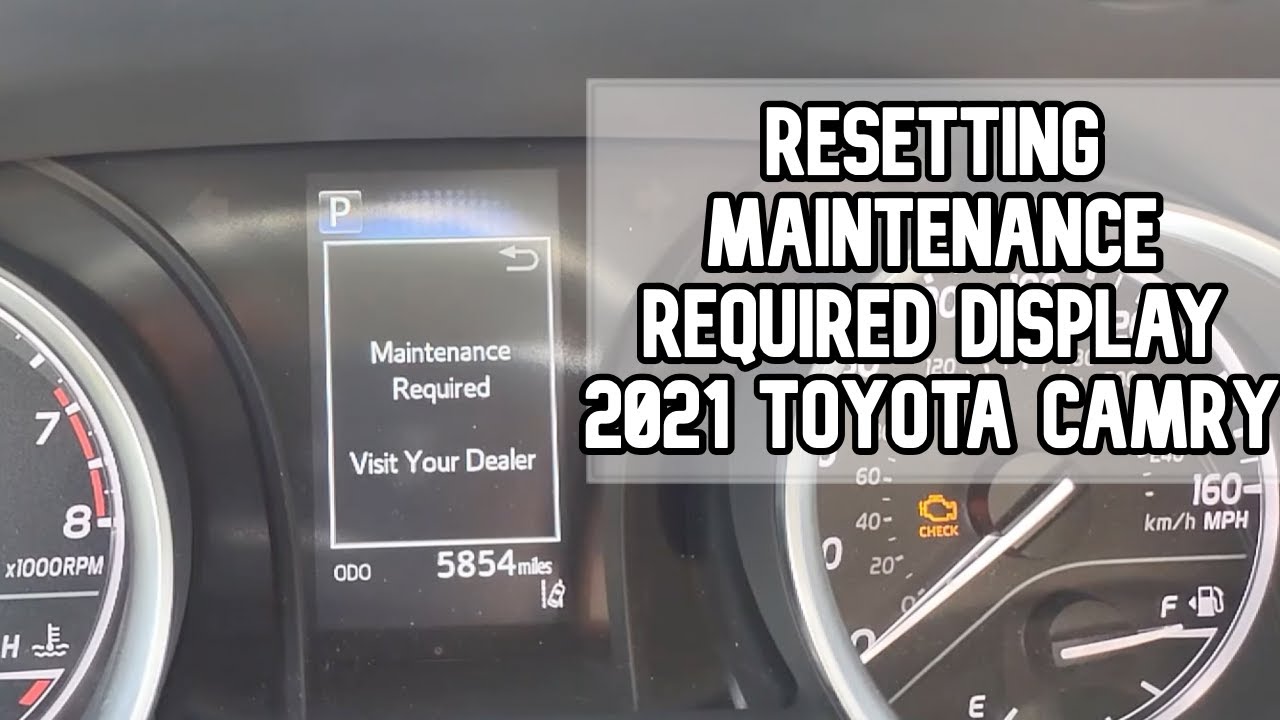
Resetting the maintenance required light on recent Toyota Camry models is simple. This light reminds you to change the oil or perform other routine maintenance. Once you complete the service, you need to reset the light. This stops the warning from showing and helps keep track of your car’s needs.
There are two main ways to reset the light. One way uses the odometer button. The other uses the dashboard menu. Both methods work well on newer Camry models. Follow the steps carefully to reset the light correctly.
Using The Odometer Button
Start by turning the ignition off. Press and hold the odometer button. While holding it, turn the ignition to the “On” position. Do not start the engine. Keep holding the button for about 10 seconds. The maintenance light will blink and then go off. Release the button. Turn off the ignition. Turn it back on to check the light. The reset is complete if the light stays off.
Through The Dashboard Menu
Turn the ignition on without starting the engine. Use the steering wheel buttons to navigate the dashboard menu. Find the “Settings” or “Vehicle Settings” option. Select “Maintenance” or “Oil Maintenance.” Choose “Reset” or “Reset Maintenance Light.” Confirm your choice by selecting “Yes.” The light will turn off after the reset. Turn off the ignition and start the car again. Check that the maintenance light is off.
Resetting The Light On Older Models
Resetting the maintenance required light on older Toyota Camry models is simple. This light reminds you to change the oil or service the car. Clearing the light resets the reminder and helps keep your dashboard clear.
Older models use basic methods to reset the light. These do not need special tools or devices. Following a few steps will turn off the light quickly.
Manual Reset Procedure
Start by turning the ignition switch to the “Off” position. Press and hold the trip meter reset button on the dashboard. While holding the button, turn the ignition to the “On” position, but do not start the engine. Keep holding the button for about 10 seconds until the maintenance light flashes and then goes off. Release the trip meter reset button. The maintenance required light should now be off.
Using The Key And Pedal Method
Insert the key and turn it to the “Off” position. Press the gas pedal fully down three times within five seconds. Turn the key to the “On” position without starting the engine. Watch the maintenance required light; it will blink and then turn off. This method works on some older Camry models and is easy to do. Make sure to follow the steps closely for the reset to work.
Tips To Prevent Light From Reappearing
The maintenance required light on your Toyota Camry signals that the car needs attention. Stopping this light from coming back means taking good care of the vehicle. Simple actions help keep the light off. This saves you time and stress. Follow these tips to keep your Camry running smoothly.
Regular Oil Changes
Changing the oil often keeps the engine clean and healthy. Old oil makes the engine work harder. It can cause damage over time. Check the owner’s manual for the right oil change schedule. Use the correct oil type for your Camry. Fresh oil helps the engine run well. This prevents the maintenance light from turning on.
Scheduled Maintenance Checks
Follow the maintenance schedule in your Camry’s manual. These checks include brake, tire, and fluid inspections. Regular checks find problems early. Fixing small issues stops bigger problems later. Keep records of each service. This helps track what your car needs. Staying on schedule prevents the maintenance light from showing up again.
Credit: www.capitalone.com
Frequently Asked Questions
How Do I Reset The Maintenance Required Light On A Toyota Camry?
Turn the ignition to the “ON” position without starting the engine. Press and hold the trip meter reset button until the light blinks and turns off. This resets the maintenance required light.
What Causes The Maintenance Required Light To Turn On?
The light appears when the car reaches a certain mileage for scheduled maintenance. It reminds you to change the oil or check other parts. Regular service keeps your car running well.
Can I Turn Off The Light Without Doing Maintenance?
Yes, you can reset the light without service, but it is not recommended. The light helps remind you to keep your car healthy. Ignoring maintenance may cause problems later.
How Often Should I Reset The Maintenance Light On My Camry?
Reset the light every 5,000 miles or after each oil change. This matches Toyota’s recommended service interval. Keeping track helps your car last longer and stay safe.
Conclusion
Turning off the Maintenance Required light on your Toyota Camry is simple. Follow the steps carefully to reset the indicator. This helps keep your dashboard clear and your car running smoothly. Remember to perform regular maintenance to avoid the light coming back.
Taking care of your car saves time and money in the long run. Keep your Camry in good shape by paying attention to these alerts. Now you know how to reset the light quickly and easily.