How to Reset a Maintenance Light on a Toyota Camry Easily
If you own a Toyota Camry, you might have seen the maintenance required light pop up on your dashboard. This light is a helpful reminder for regular oil changes, but it can be confusing if you have already serviced your car or changed the oil yourself. Some drivers worry that the light means there’s a problem, but usually, it’s just a reminder—not an urgent warning. Knowing how to reset the maintenance light yourself can save time and maybe even a trip to the mechanic.
Resetting the maintenance light is quick and easy once you know the steps. It’s useful for anyone who does their own maintenance or visits a shop that forgets to reset the light. In this guide, you’ll learn how to reset the light on a Toyota Camry, what the light means, and a few important tips that many people miss.
What Does The Maintenance Light Mean?
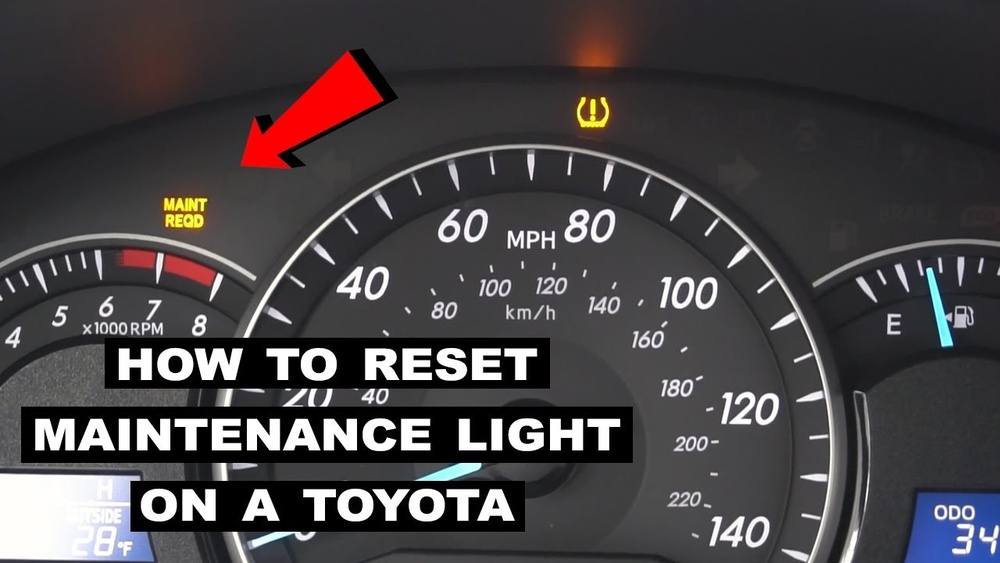
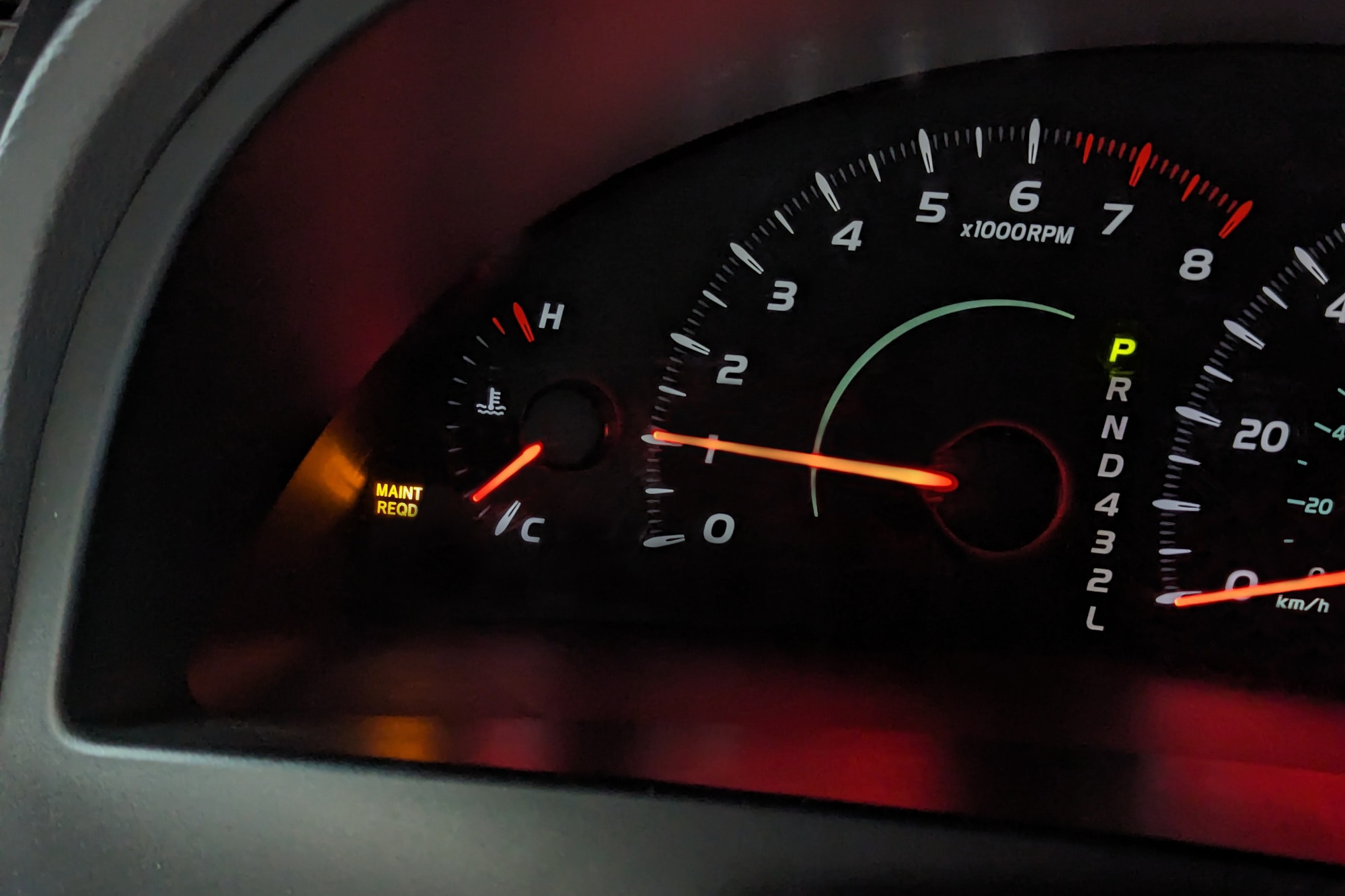
The maintenance required light (often just “MAINT REQD”) is a simple timer. On most Toyota Camrys, it turns on every 5,000 miles to remind you to change your oil. It does not check oil quality or any mechanical parts. It’s just a mileage counter.
For example, if you change your oil early or at a different shop, the light may still come on unless it’s reset. Don’t panic if you see it after a service. It’s not a sign of engine trouble.
Step-by-step: How To Reset The Maintenance Light
Resetting the maintenance light on a Toyota Camry usually takes less than a minute. The process is nearly the same for most model years from 2007 to 2026, with small differences depending on your dashboard style.
For 2007–2011 Toyota Camry
- Turn the ignition to “ON” (don’t start the engine).
- Press the ODO/TRIP button until you see “ODO” (not Trip A or B).
- Turn the ignition off.
- Hold down the ODO/TRIP button.
- While holding the button, turn the ignition back to “ON.”
- Keep holding until the odometer shows zeros or the light blinks and goes out.
For 2012–2017 Toyota Camry
- Turn the ignition to “ON.”
- Use the display button to switch to “Trip A.”
- Turn off the ignition.
- Hold down the TRIP button.
- Turn the ignition to “ON” while holding the button.
- Release the button when the light goes off or the display resets.
For 2018–2026 Toyota Camry (with Multi-information Display)
- Turn the car to “ON” without starting the engine (press the power button twice with your foot off the brake).
- Use the steering wheel arrows to select the gear icon (Settings).
- Scroll to “Vehicle Settings,” then select “Scheduled Maintenance.”
- Choose “Yes” to reset. You may need to confirm.
Quick Reference Table: Reset Steps By Model Year
| Year | Dashboard Type | Reset Method |
|---|---|---|
| 2007–2011 | Analog Odometer | ODO/TRIP button & key cycle |
| 2012–2017 | Digital Trip Meter | Trip button & key cycle |
| 2018–2026 | Multi-Information Display | Settings menu reset |
Credit: www.capitalone.com
Common Mistakes To Avoid
Many people make simple errors when trying to reset the light. Here are a few things to watch out for:
- Not switching to the correct ODO or Trip A screen before starting.
- Forgetting to turn the ignition to “ON” instead of starting the engine.
- Letting go of the button too soon.
- Trying to reset with the engine running (it won’t work).
If the light doesn’t go off, try the steps again slowly. Sometimes, timing matters—especially on older models.
Practical Tips For Toyota Camry Owners
1. Reset After Every Oil Change
Always reset the light after each oil change, even if a shop does it for you. This keeps your reminders accurate.
2. Keep Track Of Mileage
The light is just a timer. If you reset it at the wrong mileage, your next reminder will be off.
3. Check The Owner’s Manual
Some trims or hybrid models may have small differences. When in doubt, check your manual for exact steps.
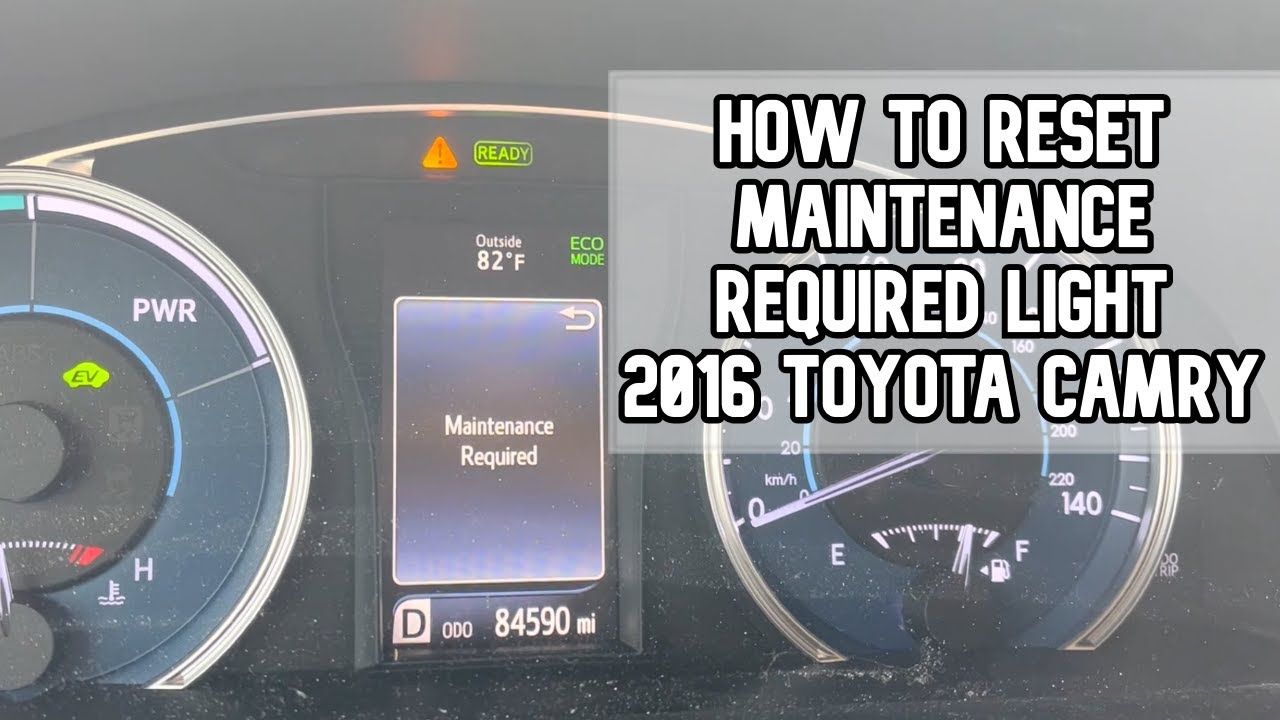
Camry Maintenance Light Vs. Check Engine Light
It’s easy to confuse the two lights. Here’s a quick comparison:
| Light | Meaning | Action Needed |
|---|---|---|
| Maintenance Light | Oil change reminder | Reset after service |
| Check Engine Light | Engine or emission problem | Have it checked soon |
If the check engine light comes on, it’s not related to the maintenance reminder and should not be ignored.
Credit: www.youtube.com
How Often Should You Change The Oil?
Toyota recommends an oil change every 5,000 miles for most Camrys using conventional oil. If you use synthetic oil, some newer models can go up to 10,000 miles, but always check your manual.
Skipping oil changes can lead to engine damage, even if the maintenance light has not yet come on. Some drivers make the mistake of resetting the light without changing the oil, which can cause long-term problems.
Why Resetting The Light Matters
You might think it’s harmless to leave the light on, but it can cause confusion later. If the light stays on, you may forget when your last service was. Also, if you sell your car, a buyer may wonder if you kept up with regular maintenance.
Resetting the light keeps your car’s records clear and helps you stick to a good service schedule.

Credit: www.venturatoyota.com
Advanced Tip: Resetting After Battery Change
If you replace your car battery, sometimes the maintenance light will reset on its own. But in some cases, it may stay on or come back early. Always check the light after any electrical work. If it behaves oddly, repeat the reset steps.
When The Light Won’t Reset
If you’ve followed all the steps and the light still won’t turn off, there may be a problem with the dashboard electronics. In rare cases, a software update at the dealer is needed. This is uncommon, but it does happen, especially with older Camrys or after electrical repairs.
Frequently Asked Questions
How Do I Know If My Maintenance Light Reset Worked?
The MAINT REQD light should turn off immediately after a successful reset. If it stays on, repeat the steps carefully.
Does The Maintenance Light Mean My Car Is Unsafe To Drive?
No, the maintenance light is only a reminder. Your car is safe to drive, but you should get an oil change soon.
Will Disconnecting The Battery Reset The Maintenance Light?
Not always. Sometimes it resets, but often the light will return after a few miles. It’s better to use the correct button sequence.
Can I Reset The Maintenance Light Before An Oil Change?
You can, but it’s not recommended. The light helps you remember when service is due. Only reset it after actually changing the oil.
Where Can I Find More Information On Toyota Camry Maintenance?
Visit the official Toyota Camry website for detailed manuals and service schedules.
Resetting the maintenance light on a Toyota Camry is a simple but important part of regular car care. With these steps, you can keep your reminders accurate and your engine healthy. Taking a minute now can save you confusion and help your Camry last for years.