How Do You Reset Maintenance Light on Toyota Camry: Easy Guide
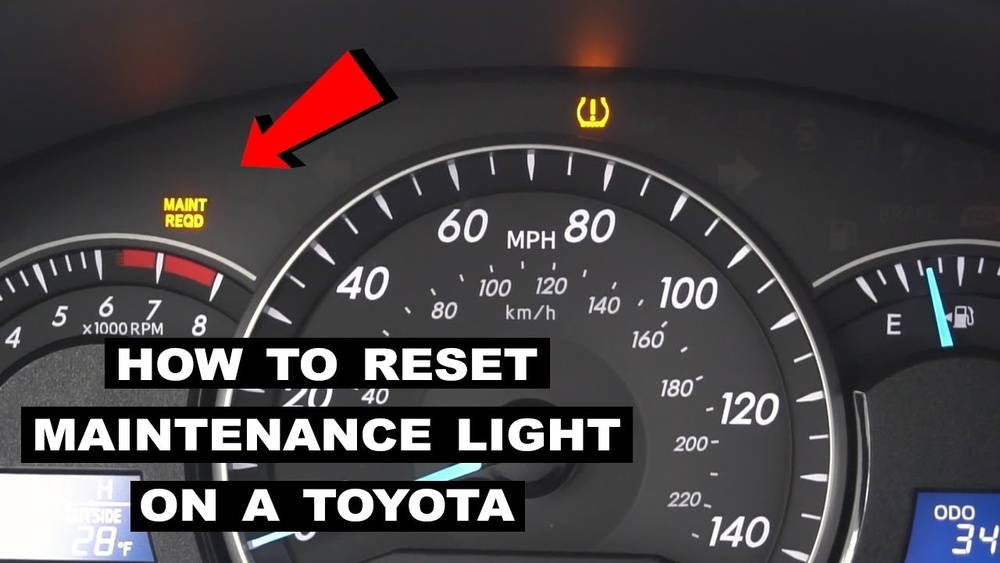
Many drivers notice a maintenance light on their Toyota Camry and wonder what it means. This light is not a warning for a major problem; it simply reminds you to get regular service, like an oil change. But after the service, the light doesn’t always turn off by itself. Knowing how to reset the maintenance light can save you a trip to the mechanic, prevent confusion, and keep your dashboard clear. In this article, you’ll learn easy steps to reset the maintenance light on most Toyota Camry models, why the light comes on, and tips for handling it confidently.
Why Does The Maintenance Light Turn On?
The maintenance required light usually appears every 5,000 miles on a Toyota Camry. It’s a simple alert that tells you it’s time for scheduled service—most often an oil change. The car’s system counts miles and triggers the light, even if you performed the service early or late.
Some drivers worry that this light signals a serious issue. In reality, it’s just a reminder. Ignoring the light doesn’t harm your car, but it can make you miss important maintenance. Keeping track of your oil changes and regular services ensures your Camry runs smoothly and lasts longer.
Common Reasons For The Light
- Oil change needed
- Tire rotation due
- General inspection reminder
If you just had maintenance done, resetting the light is the last step. Otherwise, check your owner’s manual or service history to see if it’s time for a visit.
Step-by-step Guide: Resetting The Maintenance Light
Resetting the maintenance light is easy, and you don’t need tools or special knowledge. Most Camry models (2007 and newer) use the same method. Here’s how to do it:
- Turn the ignition off. Your car should be fully off.
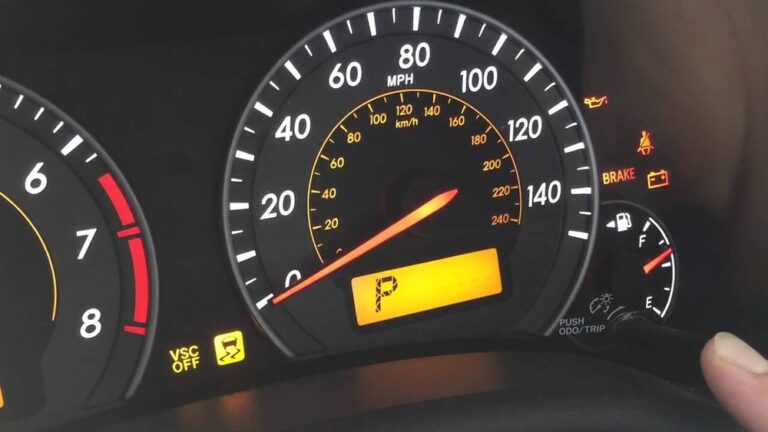
- Press and hold the trip reset button. This button is usually near the odometer.
- Turn the ignition on (not engine). While holding the button, turn the key to “ON” or press the “Start” button without pressing the brake.
- Watch the odometer display. You’ll see dashes or zeros appear, then the light will go off.
- Release the button. The process is complete.
If you drive an older Camry (before 2007), the steps may be slightly different. Always check your owner’s manual if you’re unsure.
Example: Resetting A 2015 Toyota Camry
- Turn off the car.
- Hold down the trip reset button.
- Turn the car to “ON” (no engine).
- Wait for the zeros to flash.
- Release the button.
Your maintenance light should be gone. If it stays on, repeat the steps or check your manual.

Credit: www.venturatoyota.com
Camry Model Differences
Toyota Camry models have small differences in their dashboard controls and reset methods. Here’s a quick comparison:
| Camry Model Year | Reset Method | Display Type |
|---|---|---|
| 2005-2006 | Trip reset button + key | Analog |
| 2007-2017 | Trip reset button + Start/Stop | Digital |
| 2018-present | Menu navigation on screen | Touchscreen |
For newer Camrys (2018 and up), you can reset the light using the touchscreen:
- Go to “Settings”
- Select “Maintenance”
- Choose “Reset”
- Confirm
This method is more visual and user-friendly, but the basic principle is the same.
What If The Light Won’t Reset?
Sometimes, the maintenance light doesn’t turn off even after following the steps. This is rare, but it can happen. Here’s what to try:
- Repeat the reset steps carefully. Make sure you hold the button long enough.
- Check for other warning lights. If another alert is on, it may block the maintenance light reset.
- Inspect the trip reset button. Dirt or damage can prevent the button from working.
- Consult your owner’s manual. Different trims may have unique steps.
- Visit a mechanic. If you’re stuck, a technician can reset the light for you.
Most drivers fix the issue themselves. A common mistake is not holding the button down long enough, or turning the ignition too quickly. Slow down and try again.
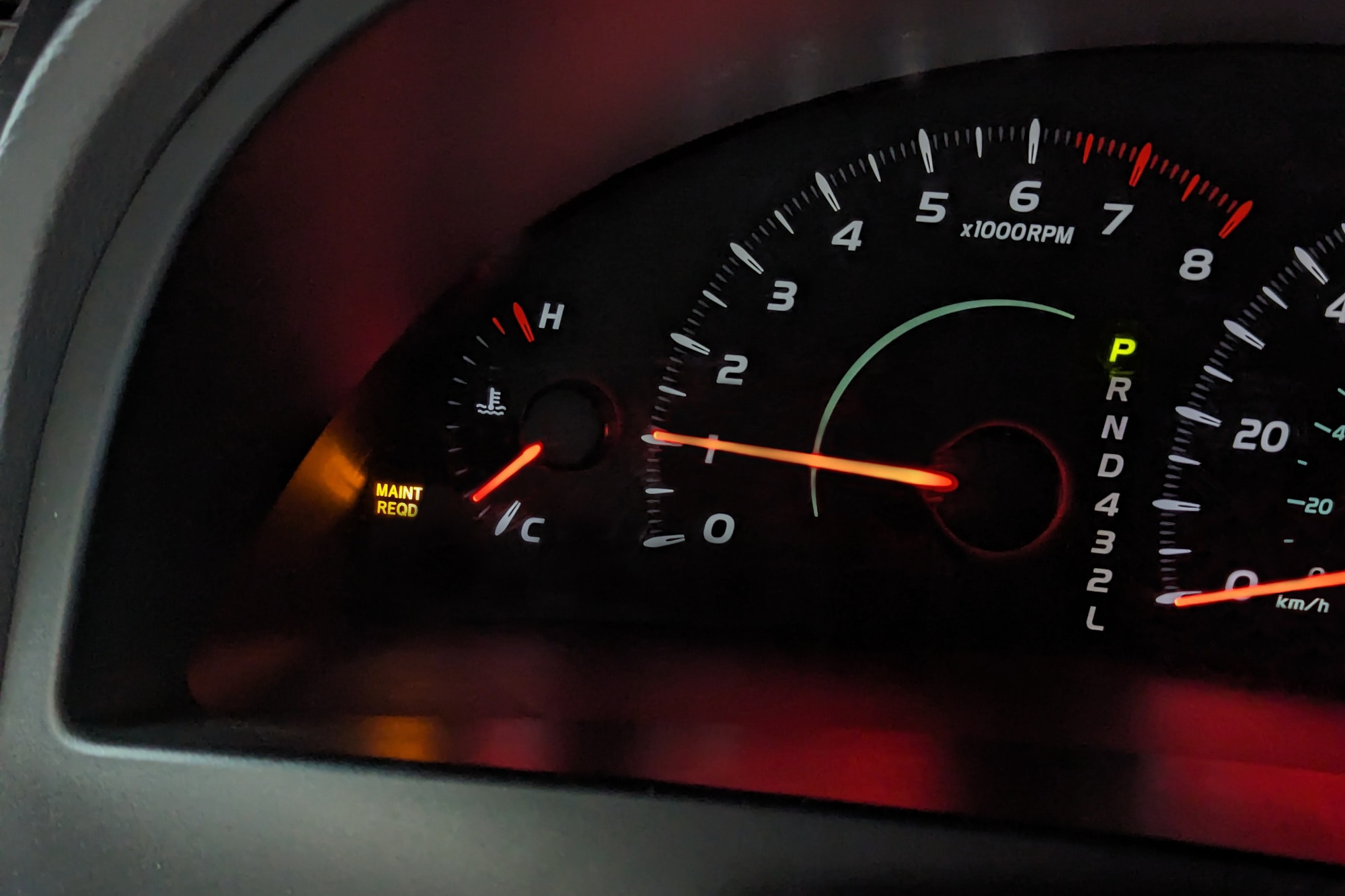
Credit: www.capitalone.com
Maintenance Light Vs. Other Warning Lights
Understanding the difference between the maintenance light and other alerts is important. The maintenance light is a reminder, not a warning. Here’s a comparison:
| Light | Purpose | Urgency |
|---|---|---|
| Maintenance Required | Service reminder | Low |
| Check Engine | Problem with engine or sensors | High |
| Oil Pressure | Low oil pressure | Very high |
| Battery | Charging issue | Medium |
Never ignore other warning lights. If you see a check engine or oil pressure alert, stop driving and check your car.
Tips For Keeping Your Camry In Top Shape
Resetting the maintenance light is just one part of car care. Here are practical tips:
- Track your oil changes. Write down dates and mileage.
- Use quality oil and parts. This prevents unexpected issues.
- Don’t rely only on the light. Sometimes, driving habits require more frequent service.
- Keep your owner’s manual handy. It’s the best source for your specific model.
- Ask your mechanic to reset the light after service. Many shops forget this step.
A non-obvious insight: The maintenance light does not connect to sensors. It works by mileage, not by checking oil quality or engine condition. You must track actual maintenance, not just follow the light.
Another tip: If you drive in tough conditions (hot weather, heavy traffic), consider shorter intervals between services. The light’s schedule is for normal driving, not extreme cases.
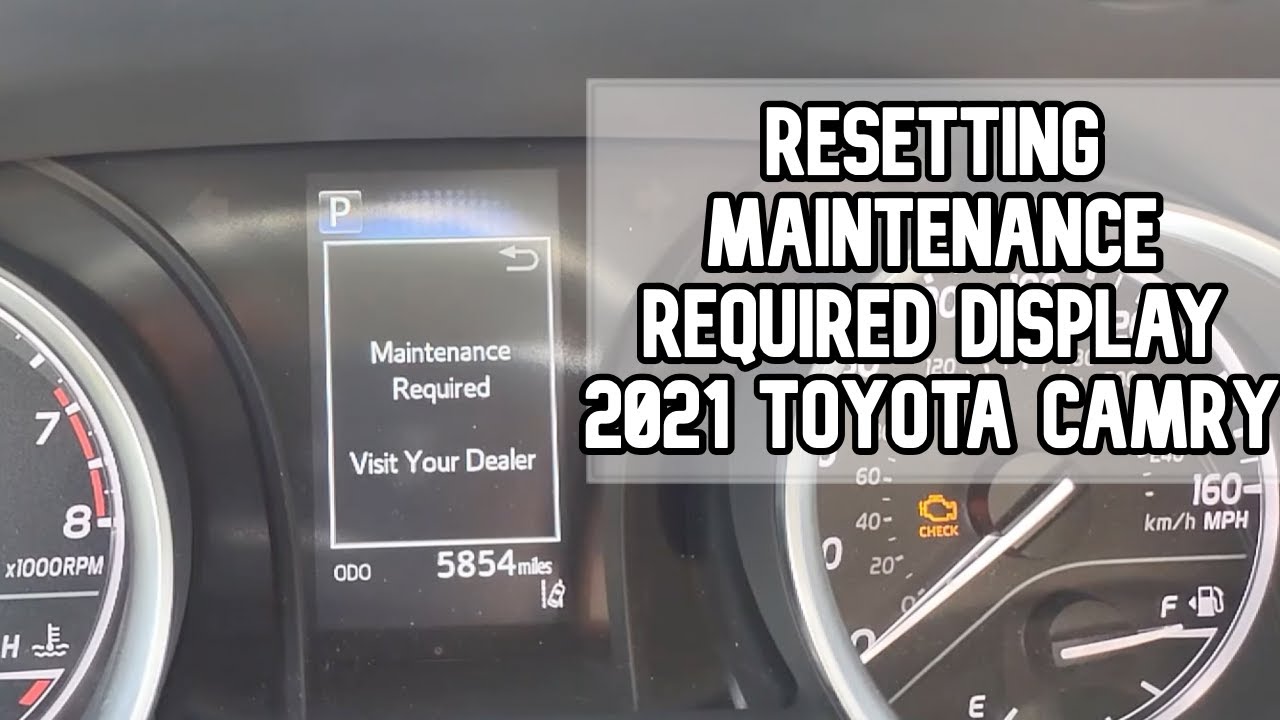
Credit: www.youtube.com
Frequently Asked Questions
How Often Does The Maintenance Light Come On In A Toyota Camry?
The light comes on every 5,000 miles. It’s programmed in the car’s computer to remind you of regular service.
Can I Drive With The Maintenance Light On?
Yes, you can drive with the light on, but it’s best to schedule maintenance soon. The light is a reminder, not a warning.
Does Resetting The Maintenance Light Affect My Car’s Warranty?
No, resetting the light does not change your warranty. It simply clears the reminder.
What If My Maintenance Light Comes On Soon After Resetting?
This can happen if the computer was not reset correctly, or if the car was serviced late. Try resetting again, or check your service schedule.
Is The Maintenance Light The Same As The Check Engine Light?
No. The maintenance light is a reminder for routine service. The check engine light warns of a problem. Always treat the check engine light seriously.
Resetting your Toyota Camry’s maintenance light keeps your dashboard clean and helps you stay organized with car care. With these steps, you can handle it yourself and avoid unnecessary trips to the shop. For more details and official information, see Toyota’s official guide. Taking control of your car’s maintenance reminders is a smart move for every Camry owner.