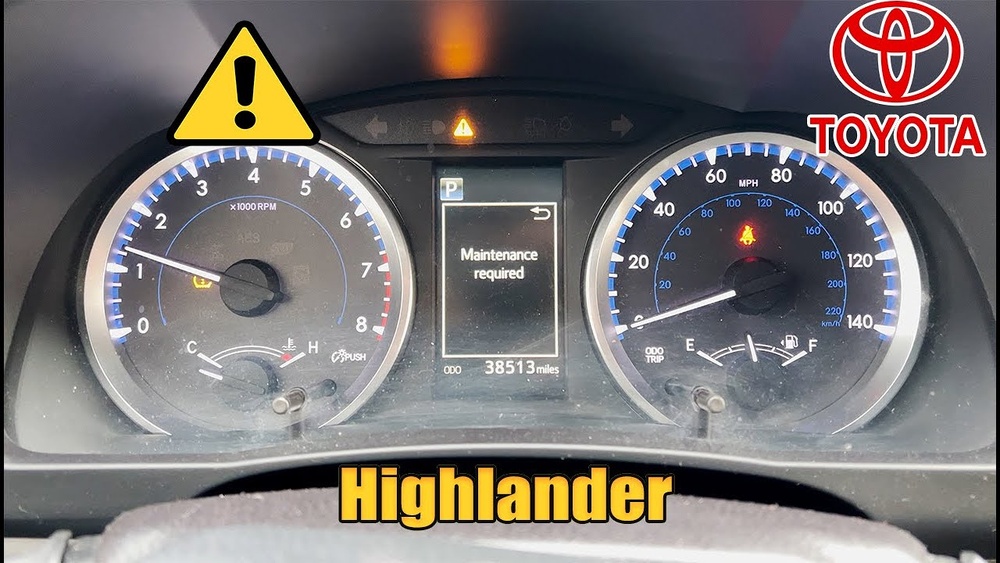
How to Reset a Toyota Highlander Maintenance Light Easily
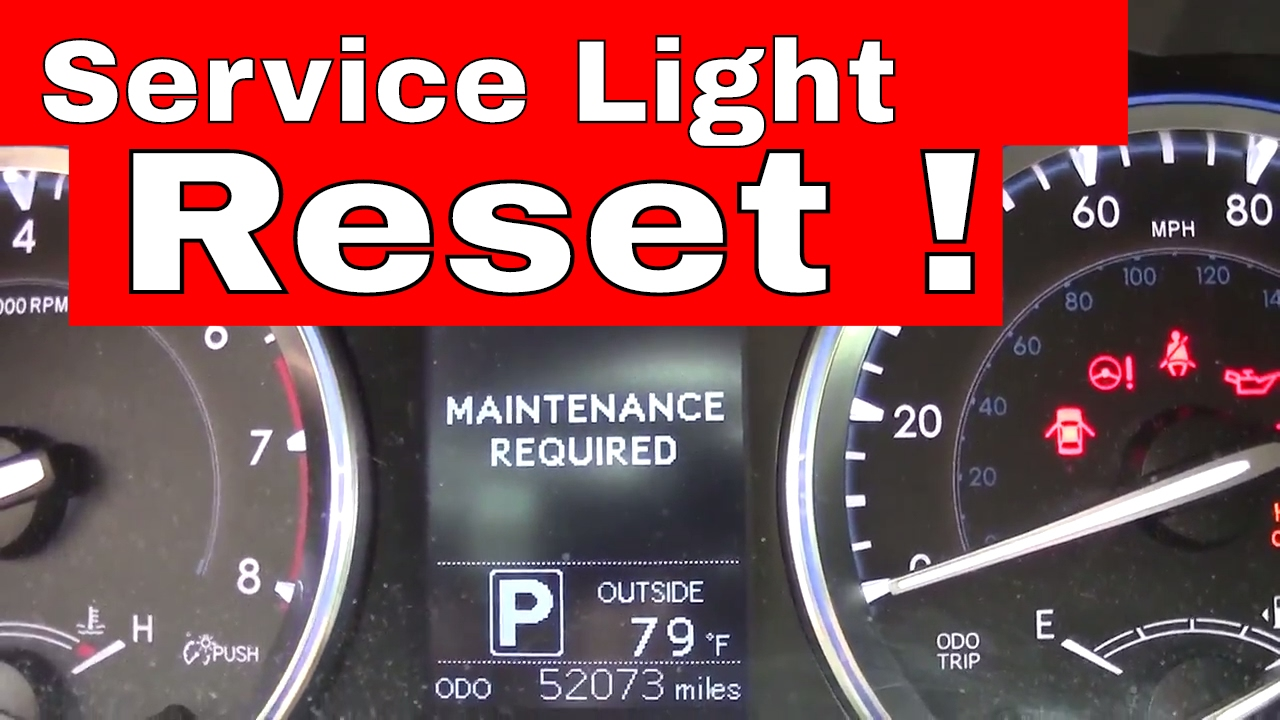
Many Toyota Highlander owners see a small light on their dashboard that says “Maintenance Required” or “MAINT REQD.” This light can be confusing, especially if you have just changed your oil or performed other regular service. The good news is that this light is not a warning of serious trouble, but simply a reminder. Still, knowing how to reset the Toyota Highlander maintenance light is important to keep your dashboard clear and avoid missing future service reminders.
This guide will walk you through the exact steps to reset the maintenance light for most Toyota Highlander models, explain why the light comes on, and share tips most beginners miss. You’ll also find helpful comparison tables and answers to common questions at the end.
Why The Maintenance Light Turns On
The maintenance required light is not a signal that something is broken. Instead, it is a timer set by your car’s computer. Most Highlander models turn on this light every 5,000 miles to remind you to get an oil change or routine service.
Some facts:
- This system does not check the actual oil quality or engine condition.
- The light stays on until you manually reset it, even if you do your maintenance early.
Many drivers think the maintenance light means there is a problem, but it’s just a gentle nudge to check your car’s health.
Resetting The Maintenance Light: Step-by-step
The process to reset the light is almost the same for most Toyota Highlanders from 2008 onward, but there are small differences for older models.
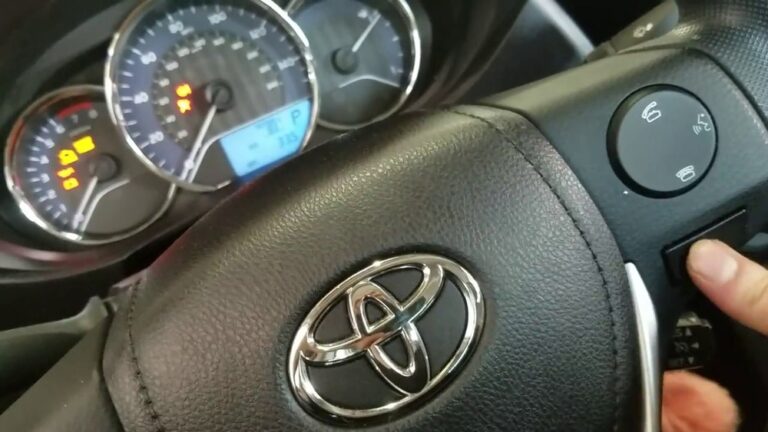
For 2014–2026 Toyota Highlander (push Button Start)
- Turn the car ON (engine OFF, press the start button once with your foot off the brake).
- Use the steering wheel arrow keys to navigate to the gear icon, then select “Settings.”
- Scroll to “Vehicle Settings” and press OK.
- Choose “Scheduled Maintenance” or “Maintenance Reset.”
- Select “Yes” to confirm reset.
For 2008–2013 Toyota Highlander
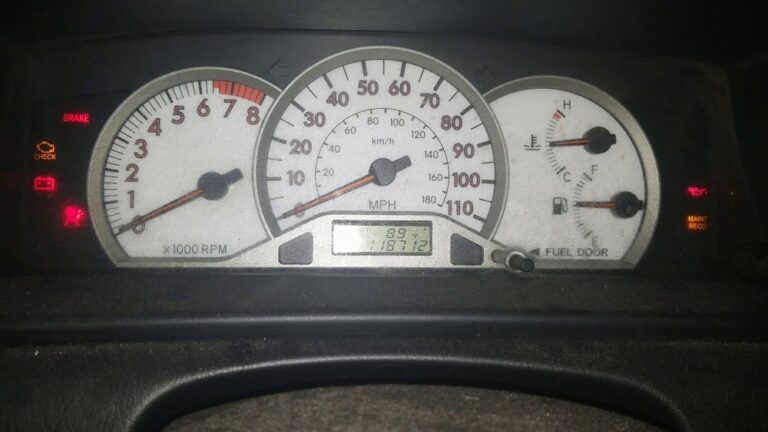
- Make sure the odometer display is set to “ODO” (not “TRIP A” or “TRIP B”).
- Turn the ignition OFF.
- Hold down the trip meter reset button.
- While holding, turn the ignition to ON (not start).
- Watch for dashes and then zeros to appear. Release the button when the zeros appear.
- The maintenance light should turn off.
For Older Highlanders (2001–2007)
- Set the odometer to “ODO.”
- Turn the car OFF.
- Hold the trip reset button and turn the key to ON.
- Wait for the maintenance light to blink and go out, then release.
Quick Comparison: Reset Steps By Model Year
Below is a summary of the steps for different Highlander generations.
| Model Year | Main Display | Reset Steps |
|---|---|---|
| 2014–2026 | Multi-Info Display | Settings > Vehicle Settings > Scheduled Maintenance |
| 2008–2013 | Odometer/Trip Meter | Hold reset button, turn key to ON |
| 2001–2007 | Odometer | Similar hold and reset steps |
Credit: www.youtube.com
What To Do If The Light Stays On
If you follow the steps but the light does not turn off:
- Double-check that you started with the right display (ODO vs. Trip A/B).
- Make sure you held the reset button long enough.
- Try repeating the process.
Sometimes, a weak battery or a quick start/stop can interrupt the reset. In rare cases, a computer glitch may require a dealer’s help.
Tips Most People Miss
- Don’t ignore the root cause: The reset process only turns off the light. If you haven’t done maintenance, do it soon.
- Track your service manually: The light is just a timer. Always keep your own records, especially if you change your oil early or use synthetic oil, which can last longer.
- Multiple lights? If other warning lights are on, resetting the maintenance light won’t fix those problems.
- Hybrid Highlanders have the same reset process, but always check your manual for updates.

Credit: www.youtube.com
Common Mistakes To Avoid
- Resetting the light without doing maintenance can lead to engine wear.
- Using the wrong display mode (for example, Trip A instead of ODO) will make the reset fail.
- Rushing through the steps may cause you to miss the moment when the light blinks off.
- For push-button start models, forgetting to keep your foot off the brake (which starts the engine instead of just turning on accessories) is a common error.
Maintenance Light Vs. Check Engine Light
These two lights are often confused. Here’s a quick comparison for clarity.
| Light Name | Color | What It Means | Action Needed |
|---|---|---|---|
| Maintenance Required | Yellow/Amber | Routine service reminder | Reset after service |
| Check Engine | Yellow/Red | Possible engine or emissions problem | Diagnose ASAP |
Always take the check engine light more seriously. It signals a possible mechanical or emissions problem, not just a reminder.
Benefits Of Resetting The Maintenance Light Yourself
- Saves time: No need for a trip to the dealer.
- Builds confidence: You get familiar with your Highlander’s features.
- Prevents confusion: A clear dashboard helps you spot real problems faster.
According to the U.S. Department of Transportation, regular maintenance can extend vehicle life by up to 50%. Resetting the reminder after each service helps you stick to a schedule.
When To Visit A Professional
If the maintenance light returns quickly after a reset, or if you see other warning signs (strange noises, leaks, or performance drops), it’s time to see a mechanic. Sometimes, an electrical issue or faulty sensor can cause the reminder to act strangely.
For more detailed instructions, you can also check the official Toyota Owner’s Manual for your Highlander.

Credit: www.howtoautomotive.com
Frequently Asked Questions
Why Does My Toyota Highlander Maintenance Light Come On Even After An Oil Change?
The light is a simple timer. It does not know if you changed the oil. You need to reset it manually after service.
Can I Drive With The Maintenance Required Light On?
Yes, but you should schedule maintenance soon. The light does not signal an emergency, but ignoring regular service can cause long-term engine problems.
Will Resetting The Maintenance Light Affect My Car’s Computer?
No, it only resets the service reminder. All other systems, codes, and data remain unchanged.
Does The Maintenance Light Mean There Is Something Wrong With My Car?
Not directly. It’s just a reminder. But if you notice other warning lights or symptoms, have your car checked.
How Often Should I Reset The Maintenance Light?
Every time you complete routine service, such as an oil change—usually every 5,000 miles, or as recommended in your owner’s manual.
Keeping your Toyota Highlander in top shape is easier when you understand your dashboard. Now you know how to reset the maintenance light, avoid common mistakes, and keep your vehicle’s reminders working for you. Safe driving!