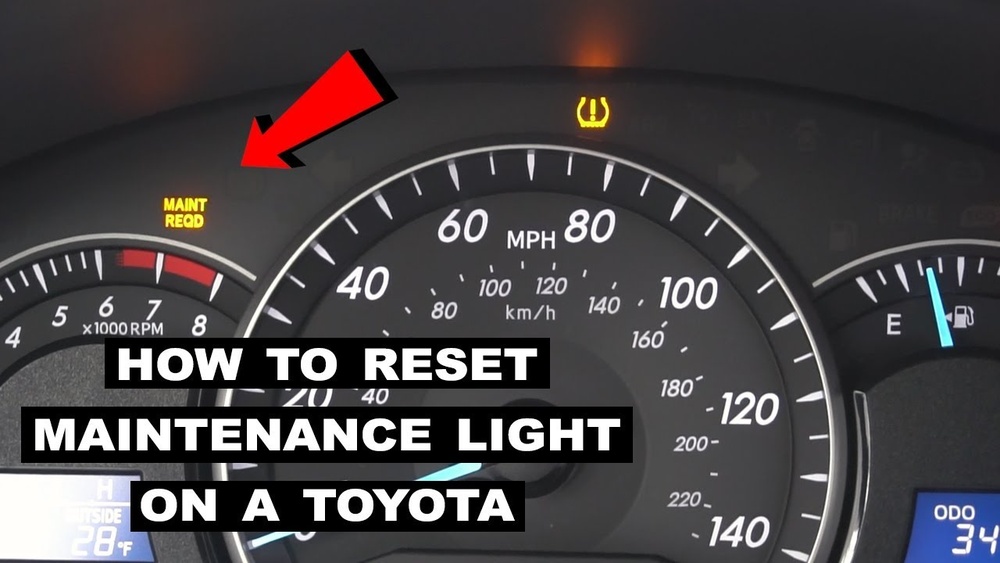
How to Remove Maintenance Required on Toyota Camry Easily
If you drive a Toyota Camry, you may have seen the “Maintenance Required” light turn on at some point. This warning can be confusing, especially for new drivers or owners who perform their own oil changes. Understanding what this light means and how to reset it can save you time, worry, and even a trip to the mechanic. Let’s walk through what triggers this reminder, when you should take it seriously, and how you can easily remove it yourself.
What Does The Maintenance Required Light Mean?
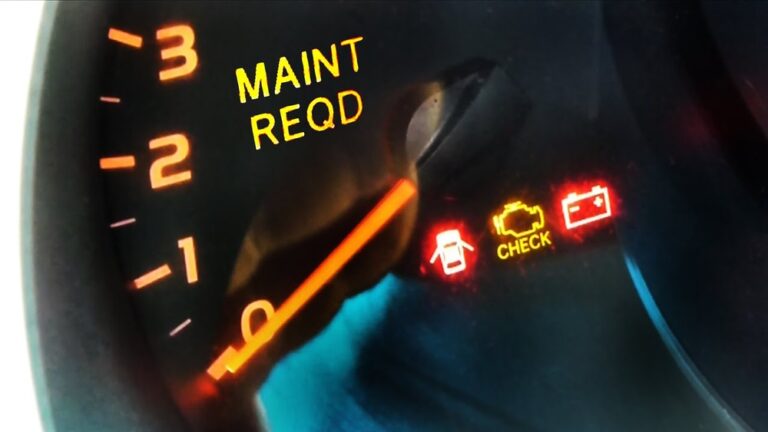
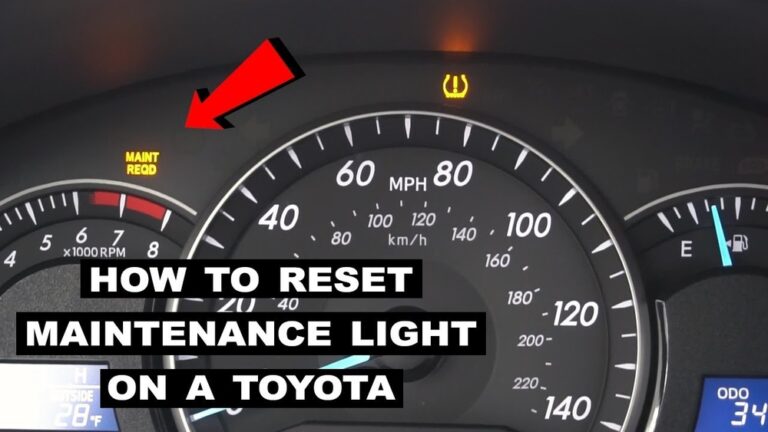
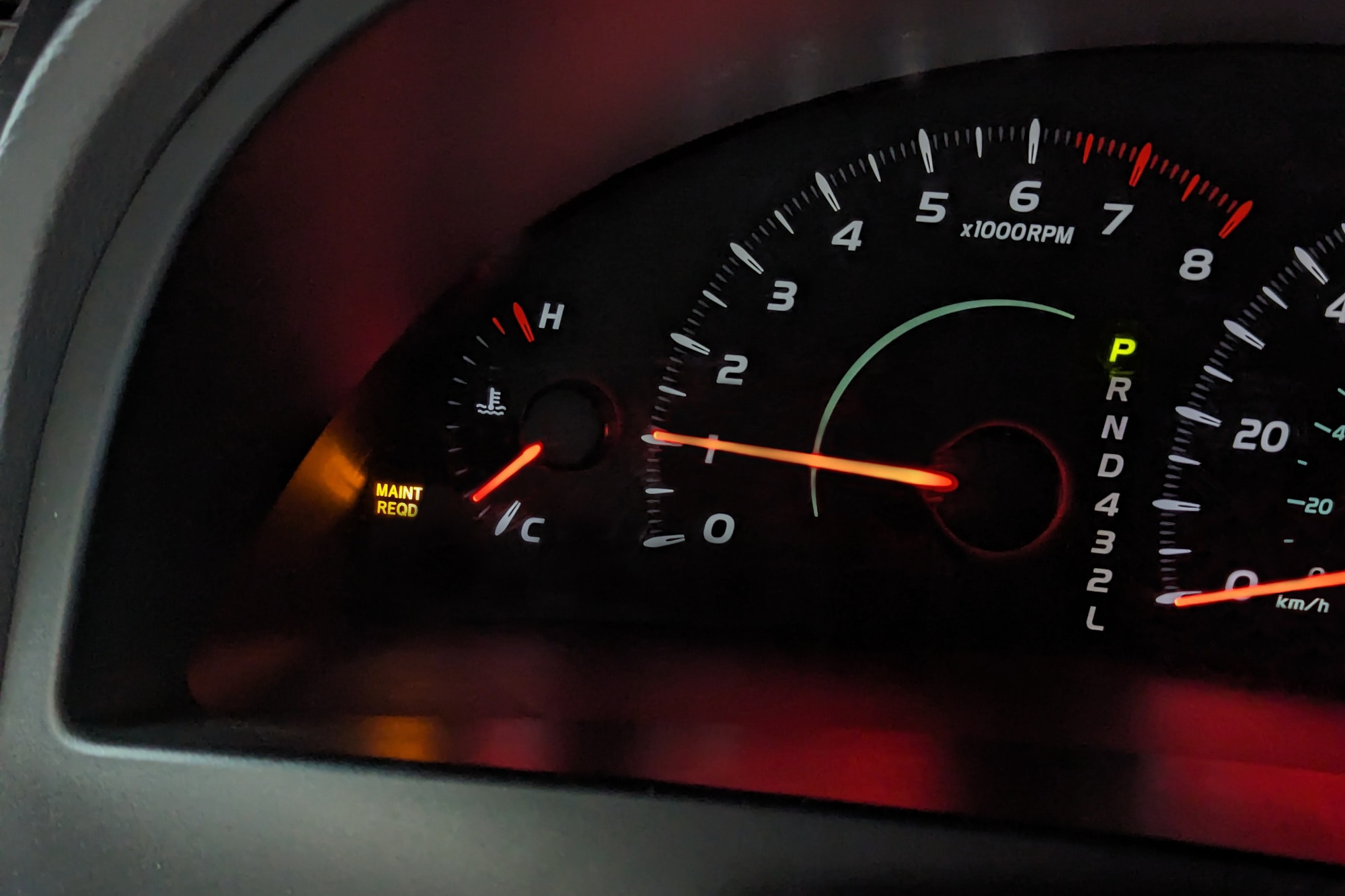
The Maintenance Required light in a Toyota Camry is not a sign of a system failure. Instead, it’s a reminder from your car’s onboard computer that routine maintenance is due, most commonly an oil change. This light usually comes on every 5,000 miles as a way to help you keep your engine healthy.
This is different from the Check Engine light. The check engine light means something is actually wrong with your car, while the maintenance light is just a gentle nudge to perform regular service.
When Should You Reset The Maintenance Required Light?
You should only reset the maintenance required light after performing the necessary maintenance, like an oil and filter change. Resetting the light without doing the service can lead to problems. For example, driving too long between oil changes can cause engine wear.
However, some people change their oil early or at a different shop. If you know the maintenance has been done, you can confidently reset the reminder. If you’re not sure, check your service records or talk to your mechanic.
Credit: www.youtube.com
Step-by-step: How To Remove Maintenance Required On Toyota Camry
Resetting the maintenance required light is simple and does not require special tools. Here are the steps, which work for most Toyota Camry models from 2007 to 2026.
- Turn the Ignition On
- Put your key in the ignition and turn it to the “ON” position, but don’t start the engine.
- For push-button start, press the power button twice without your foot on the brake.
- Set the Odometer/Trip Display
- Press the trip meter reset button until the display shows ODO (odometer), not TRIP A or TRIP B.
- Turn the Ignition Off
- Switch the ignition back to “OFF.”
- Reset the Light
- Hold down the trip meter reset button.
- While holding, turn the key back to the “ON” position (don’t start the engine).
- Keep holding the button. You’ll see the odometer display a series of dashes (—) and then zeros (000000).
- Release the button when the zeros appear. The maintenance required light should turn off.
- Confirm the Reset
- Start the car. The maintenance required light should be off. If not, repeat the steps carefully.
Quick Reference Table: Reset Steps By Year
Here’s how the steps compare for different Camry generations:
| Model Year | Odometer Display Needed | Button to Hold | Reset Sequence |
|---|---|---|---|
| 2007-2011 | ODO | Trip Meter | Key OFF, Hold Button, Key ON |
| 2012-2017 | TRIP A | Trip Meter | Key OFF, Hold Button, Key ON |
| 2018-2026 | Settings Menu | Directional Pad | Navigate to Reset, Select |
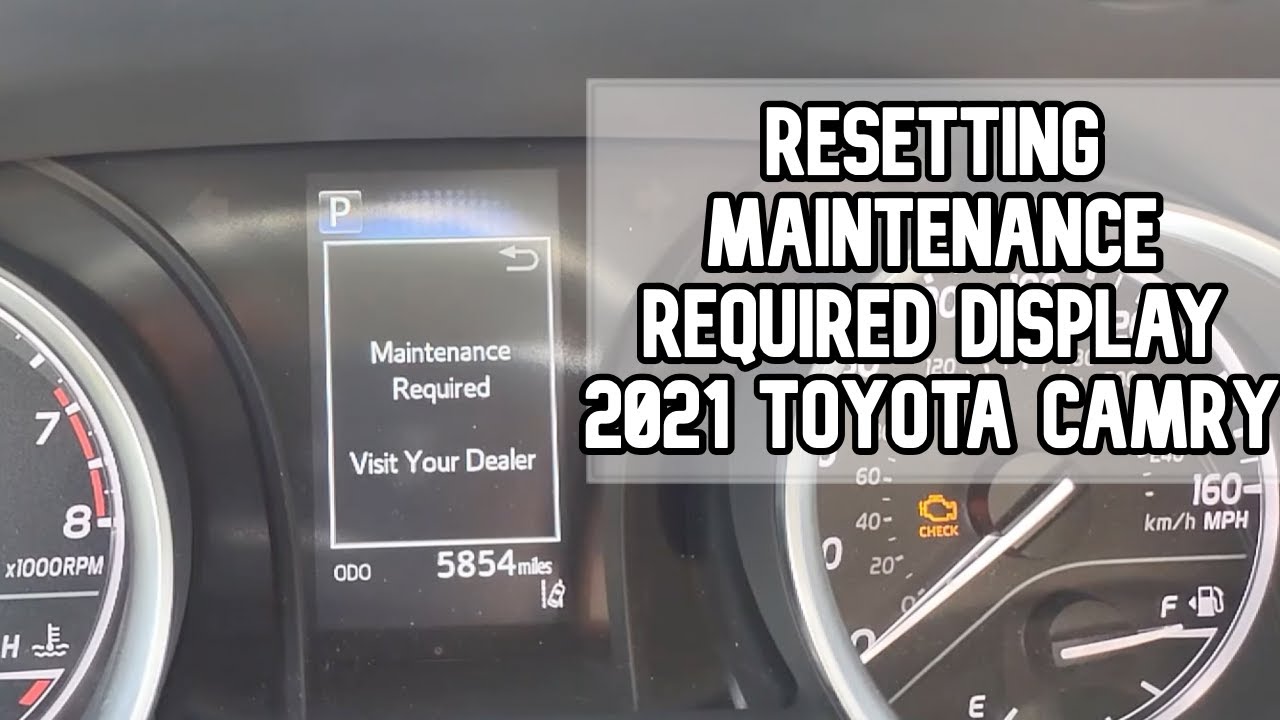
Resetting Newer Camry Models (2018+)
For Camrys with a digital display (2018 and newer), the reset process is slightly different:
- Turn the car on (engine not running).
- Use the steering wheel directional pad to go to the gear icon (Settings).
- Scroll to Vehicle Settings.
- Select Scheduled Maintenance.
- Choose Yes to confirm the reset.
If you’re unsure, check your owner’s manual. The process is usually explained with pictures for your specific model.
Credit: www.capitalone.com
Why Does The Maintenance Light Matter?
Ignoring the maintenance required light can lead to bigger problems. Regular oil changes and inspections help your engine last longer and run efficiently. Studies show that cars that follow maintenance reminders have 20% fewer engine failures over ten years.
Here’s a quick look at the risks of ignoring the light:
| Action | Short-Term Effect | Long-Term Effect |
|---|---|---|
| Ignore Maintenance Light | No immediate issue | Engine wear, lower resale value |
| Perform Maintenance | Peace of mind | Longer engine life, better performance |
Common Mistakes When Resetting The Light
Many Camry owners make small mistakes that prevent the reset from working:
- Not setting the display to ODO or TRIP A before starting
- Letting go of the reset button too early
- Trying to reset without doing maintenance
If the light comes back soon after a reset, double-check that the oil change was actually performed.

Credit: www.tustintoyota.com
Non-obvious Tips For Toyota Camry Owners
- Track Your Oil Changes Digitally: Use your phone or a simple app to record when you do maintenance. This prevents confusion and helps you remember the next service date.
- Reset After Each Service: Even if a shop does your oil change, ask them to reset the light or do it yourself. Some shops forget, leaving you with a confusing dashboard warning.
- Don’t Ignore Other Warning Lights: The maintenance light is just a reminder, but the Check Engine or other warning lights mean you should visit a mechanic soon.
When To See A Professional
If you’ve tried the reset steps and the light won’t go off, or if you see other warning lights, it’s smart to visit a professional. Sometimes, an electrical issue or faulty sensor can cause the light to stay on. In rare cases, a dealer’s diagnostic tool is needed.
For more information on Toyota’s maintenance reminder system, visit the official Toyota Owners website.
Frequently Asked Questions
How Often Does The Maintenance Required Light Come On?
The light usually appears every 5,000 miles as a reminder for an oil change. This interval might be different if you drive in extreme conditions.
Is It Safe To Drive With The Maintenance Required Light On?
Yes, it’s safe for a short time. However, you should do the recommended service soon. Waiting too long can damage your engine.
Can I Reset The Light Without Changing The Oil?
Technically, yes. But you should only reset the light after doing the necessary maintenance. Skipping oil changes can lead to engine problems.
Does The Process Work On All Toyota Models?
The basic steps work for most Toyota models. However, newer vehicles with digital dashboards may have a slightly different reset process.
What If The Maintenance Required Light Comes Back On Quickly?
If the light returns soon after resetting, check if the service was really done. If yes, and the light still returns, there might be a problem with the car’s sensors or computer.
Taking care of your Toyota Camry’s maintenance reminders keeps your car running smoothly and helps you avoid costly repairs. With just a few minutes, you can reset the maintenance required light and drive with confidence.